




Vantage Vue Weather Station with WeatherLink Console - SKU 6242, 6242M
Free Shipping Available
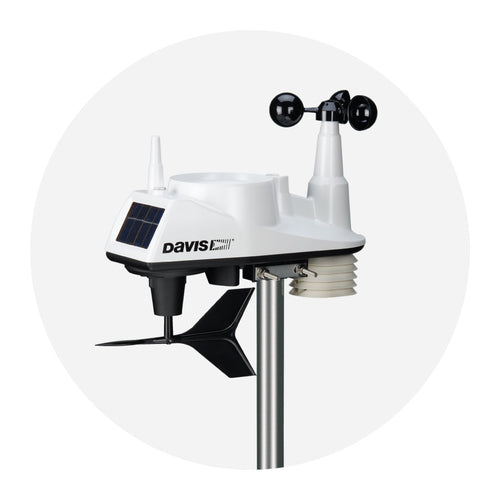
The Davis Vantage Vue weather station is the perfect solution for anyone who wants real-time, hyper local weather information and modern smart home connectivity. The Vantage Vue is the best weather station for home users who need professional-grade accuracy in a ncompact system. While a nearby weather source can give you a general forecaset, it often misses the unique microclimate of your backyard, garden, farm, or school campus. Davis Instruments Weather Stations like the Vantage Vue have been trusted for years by homeowners, farmers, gardeners, educators, community leaders, outdoor recreation enthusiasts, researchers, businesses, and weather hobbyists who need accurate local data—and now that data can be integrated directly into your connected home.
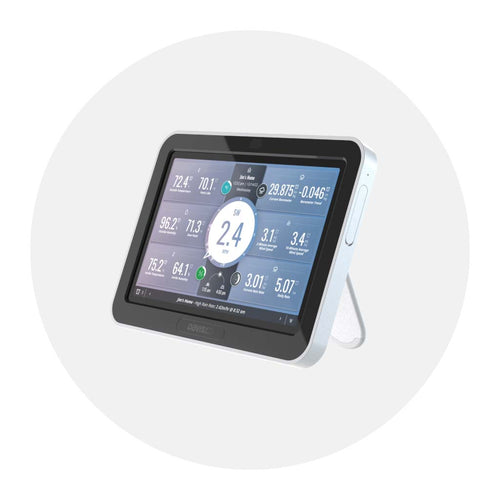
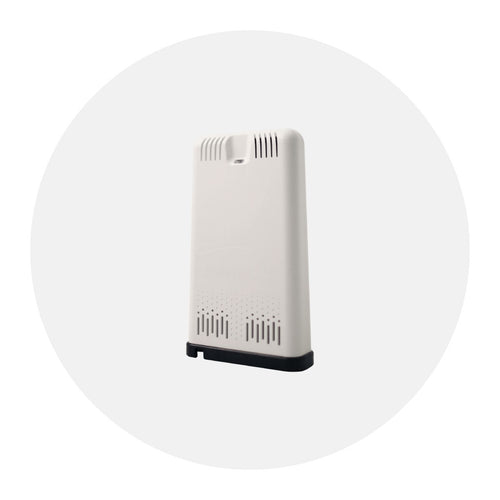
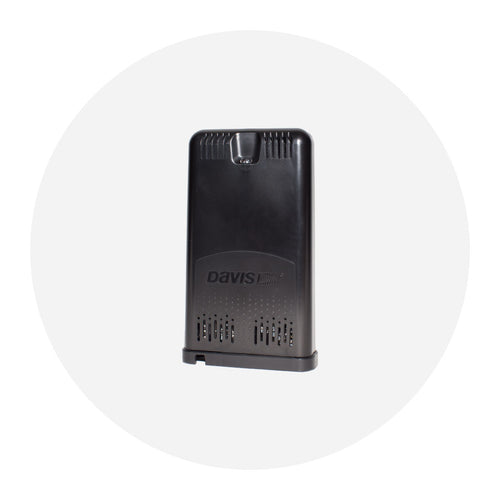
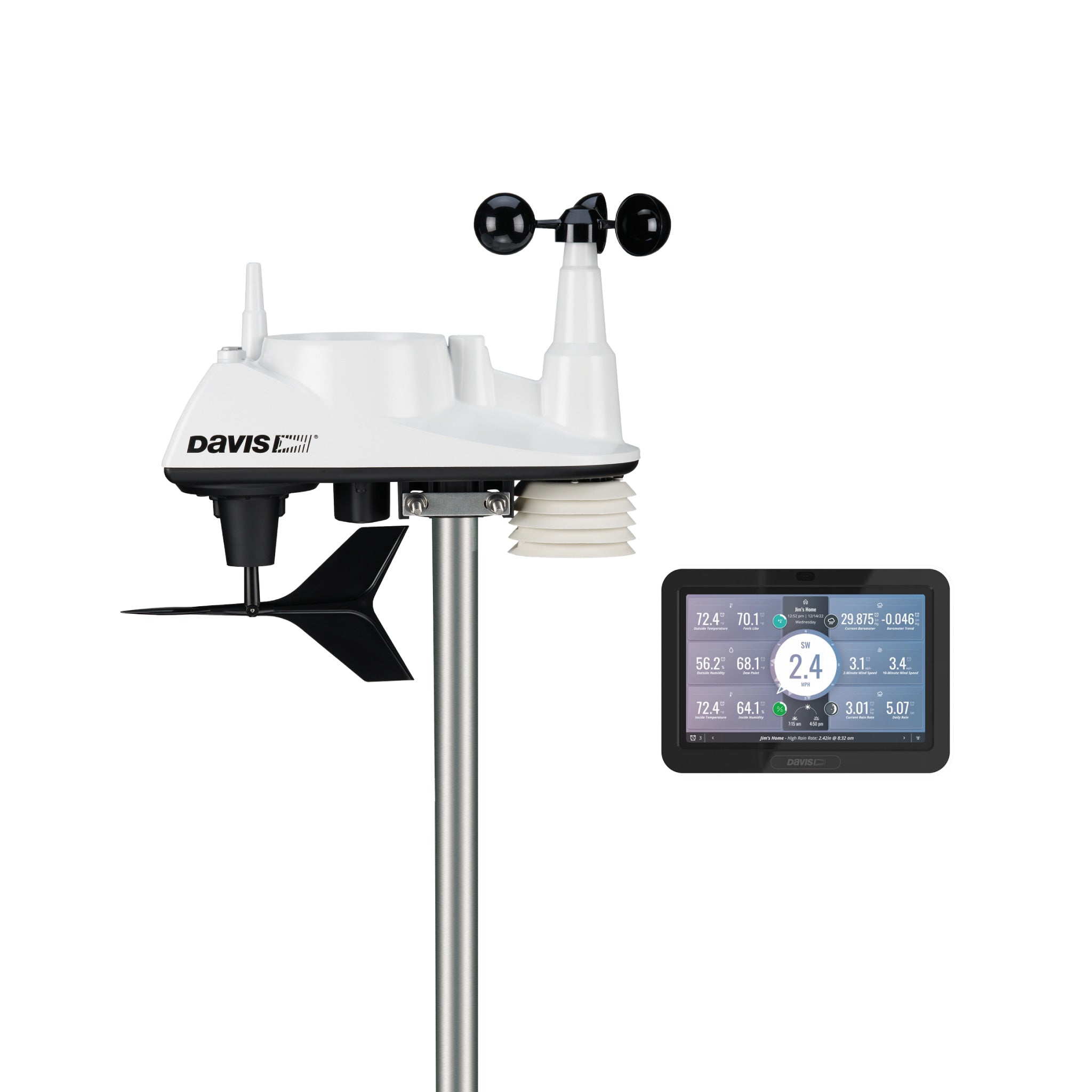
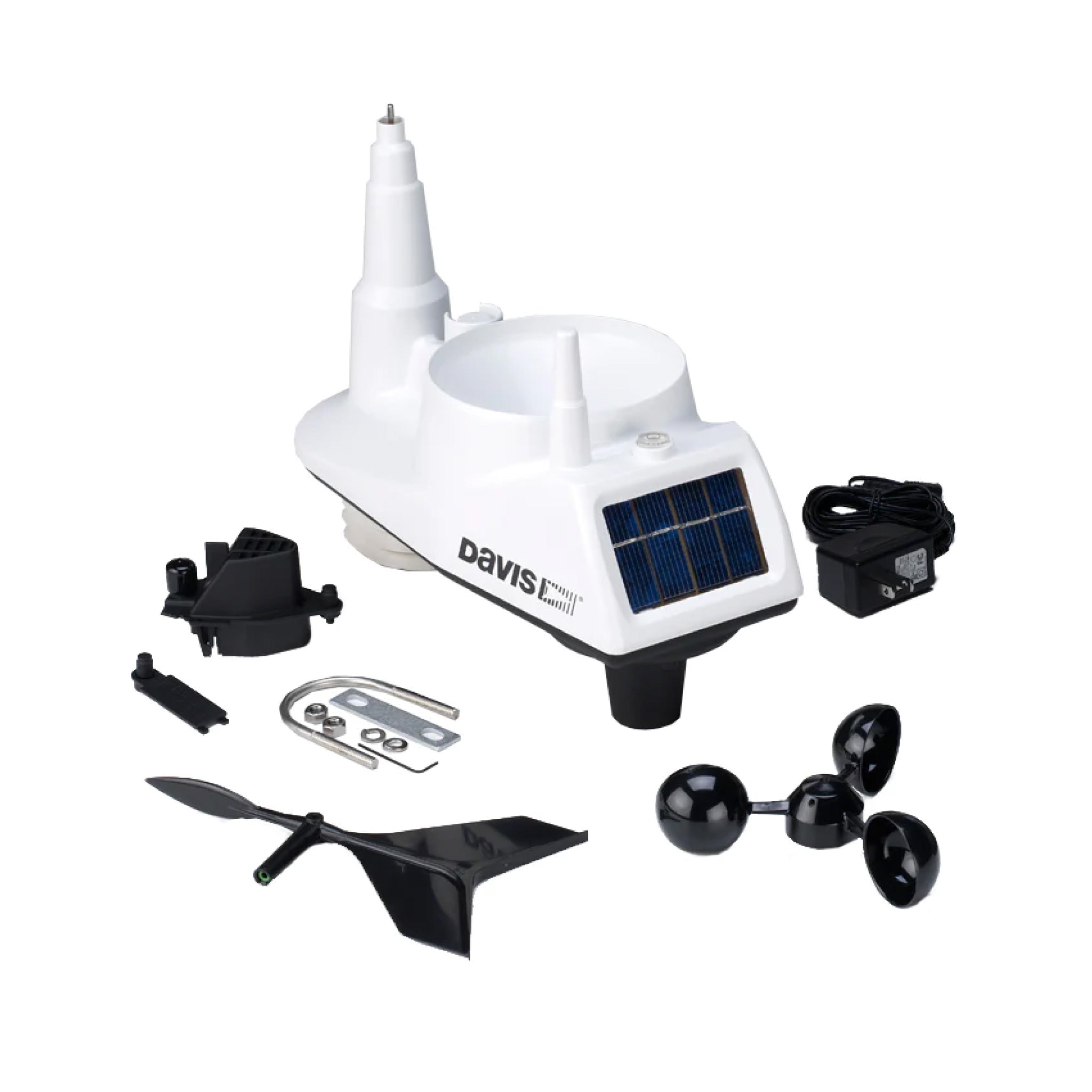
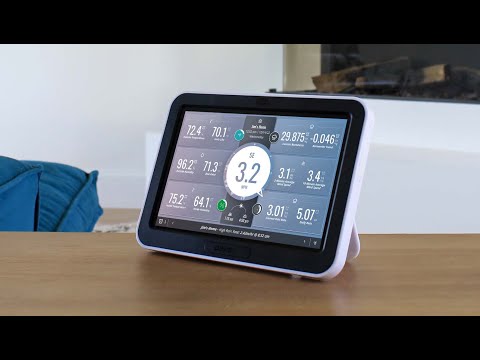
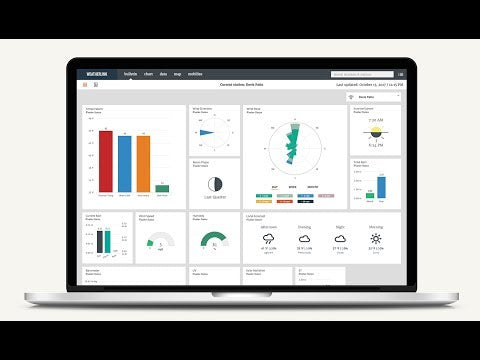
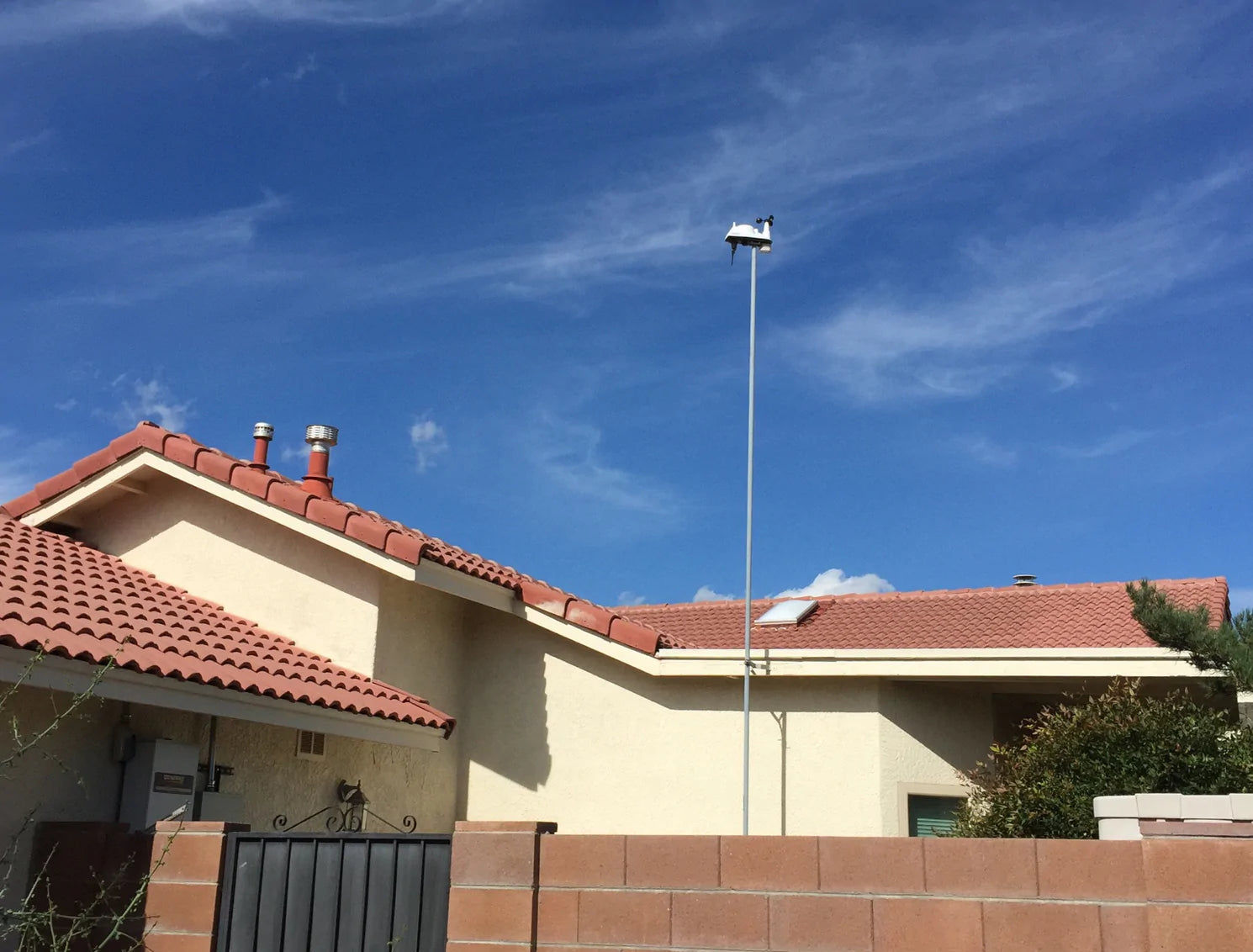
This complete weather station system includes the Vantage Vue Wireless Integrated Sensor Suite and the WeatherLink Console. Together, they deliver continuous measurements of temperature, humidity, wind speed and direction, rainfall, and barometric pressure, along with calculated indices such as wind chill, heat index, and dew point. The WeatherLink Console lets you view your data at a glance, explore historical trends, and share your station’s conditions online, reinforcing why many users consider it the best weather station for home monitoring.
Highlights Click here to learn more about the product.
- The Vantage Vue consumer weather station delivers real-time weather updates every 2.5 seconds, ensuring access to the most precise weather data.
- Set up a home weather station with this self-contained, easy-to-install system that includes a sensor suite and console.
- Industry-leading transmission range of 1,000’/300 m from the sensor suite to the console.
- Sensor suite’s rugged, weather-proof housing gives you years of reliable data.
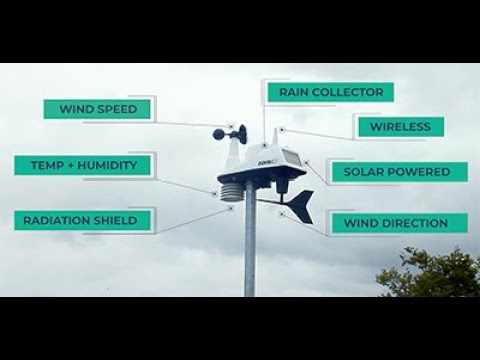
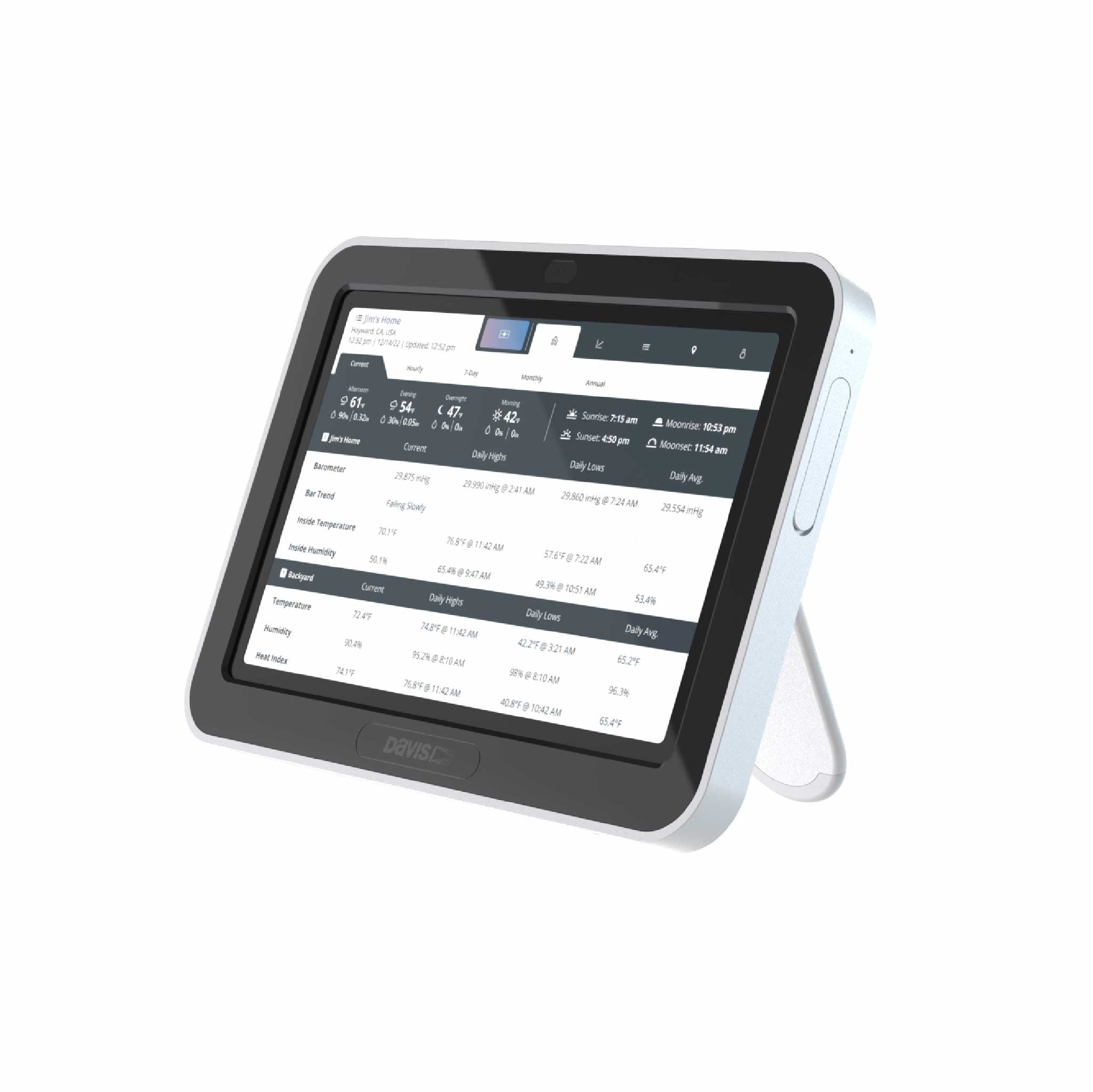
- This home weather station measures inside and outside temperature and humidity, barometric pressure, wind speed and direction, rainfall, dewpoint, wind chill. It also displays forecast, moon phase, alarms, and more.
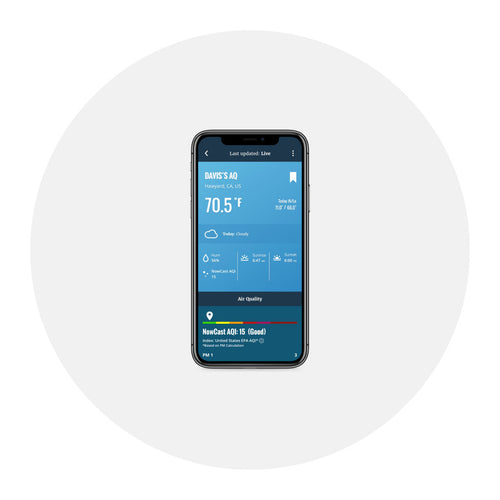
- Access data anywhere, anytime, with WeatherLink Cloud.
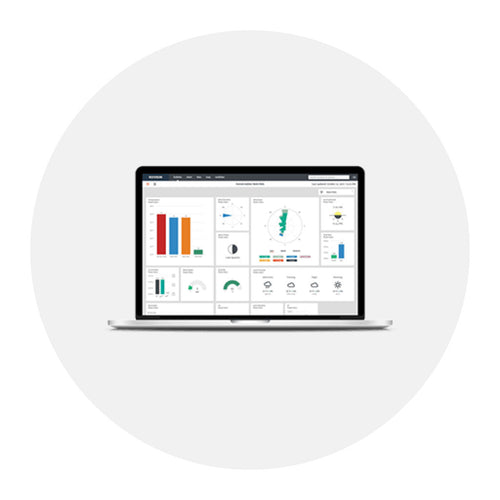
- Includes WeatherLink Console (6313) with a vibrant, HD color touchscreen. The WeatherLink Console is the best way to visualize weather data for your personal projects.
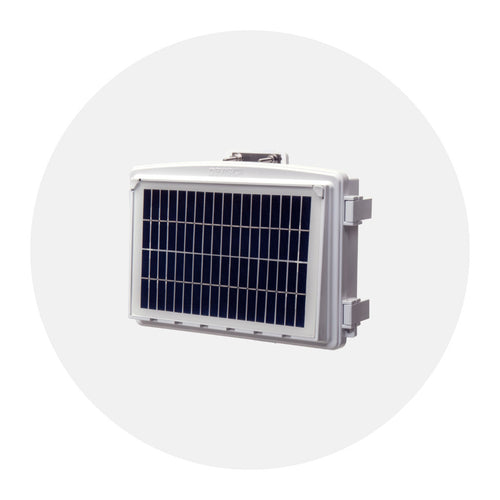
- The Vantage Vue Sensor suite is solar-powered weather station with night mode (battery back-up at night); console is AC-powered with battery backup.