






FAQs: Vantage Vue
General
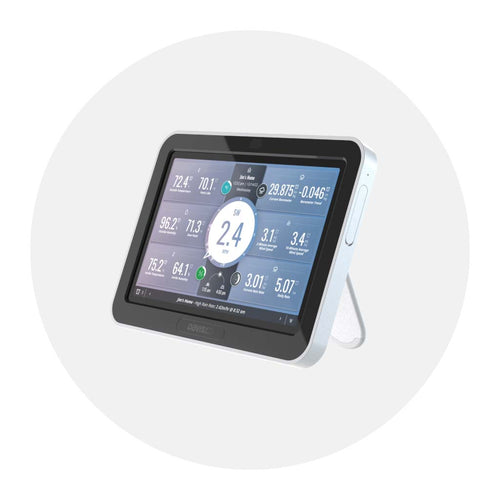
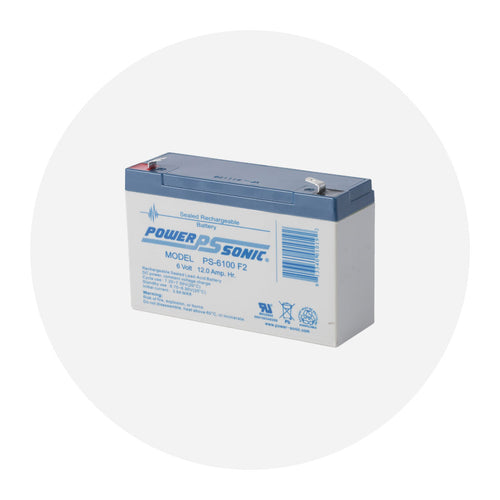
The Vantage Vue or Vantage Pro 2 consoles can use 2 different sources of power. They can use AC power from the wall or it can use batteries as the primary power. If you are not using AC power and are using batteries ONLY, the console batteries will typically last about 9 months.
However, if you are using a WeatherLink IP (6555) or a cabled console, the batteries are ONLY good for BACKUP power. If you have a console with a WeatherLink IP (6555), the batteries will last 2 days. Using a cabled console the batteries will last 27 days.

Mechanical
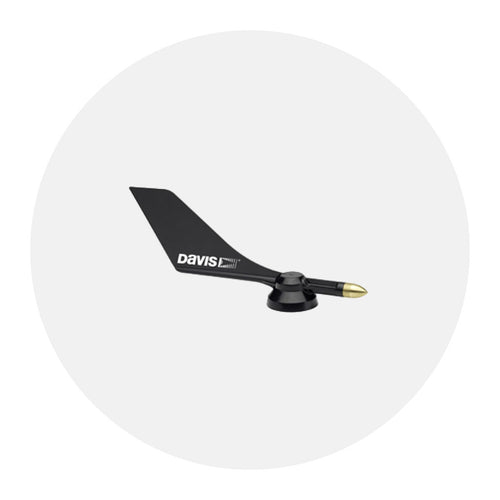
If your wind direction is showing a different value than the physical vane on the ISS, it can always be calibrated into the correct position just as a setting on the console, using the "set" command while highlighted on your wind direction.
However, one very common mistake made in regards to this is when first putting the ISS together, there is a specific set of instructions to follow in the installation manual that is often skipped by new users. Take a look below:
Attaching the Wind Vane
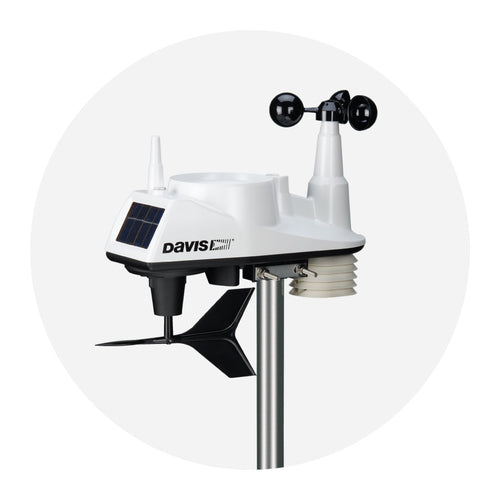
The Vantage Vue wind vane measures wind direction. The wind vane is mounted on a stainless steel shaft on the opposite side of the sensor suite assembly from the wind cups.
- Hold the sensor suite assembly on its side with the anemometer and radiation shields on your left, the wind vane shaft on your right and the wind cups away from you.
- When the sensor suite is held in this manner, the wind vane shaft is horizontal, and will orient itself so that its flat side will be facing to the right, as shown.
- Holding the senor suite assembly with your left hand, grasp the wind vane with your right hand so that the "arrowhead" end is pointed down.
- Gently slide the wind vane onto the wind vane shaft, rotating the wind vand slightly left and right if necessary, until the end of the shaft is visible and protrudes slightly from the bottom surface of the wind vane.
- Secure the wind vane to the shaft by firmly tightening the wind vane set screw with the Allen wrench provided.
If you feel friction when spinning the wind cups by hand, you can order a replacement wind speed bearing cartridge (SKU 7345.271)

Environmental
Many Davis stations have taken a lightning lickin' and kept on tickin'! But if your station is having some lightning post traumatic stress, start here.
First, take a look at the station and see if there is any visual damage. If so, make note and/or take photos to have available when contacting us.
Next, assess if the station has power. The White button on the bottom of the ISS is not a reset button. However, it will activate the LED so we can determine if it has power. If, after pressing the white button, the LED does not turn on, then a reset is the way to go.
To reset:
- Remove the battery.
- Cover the solar panel (make sure no light can get to the panel, wrapping it in a blanket or placing it in a dark closet or trunk.)
- Leave in the dark for 24 hours.
- After time has elapsed, put battery back in and press the white button.
- Make sure you have a normal blink from the LED.
If you do have lightning damage, it may no be repairable. If you want to us to look it over, please contact us to get an RMA. We can evaluate your ISS for lightning damage and repair if possible.
Configuration
If you are having issues getting data from your Vantage Vue sensor suite, or the data seems incorrect, you may be getting interference from another weather station that is within transmitting range. The best solution is to change the transmitter ID on your station and console to one that is not getting interference.
Vantage Vue sensor suite:
- Push and hold the transmitter ID pushbutton until the LED begins flashing quickly. This indicates it is in setup mode.
- Release the pushbutton, and the LED will go dark.
- Push the pushbutton the number of times equal to your desired new transmitter ID. That is, if you want to cange the ID to "3", push the pushbutton three times; for a desired ID of "4," push the pushbutton four times.
After four seconds have elapsed with no further presses, the LED will blink the same number of times as the new transmitter ID. (After blinking the tranmitter ID number, the light will begin to flash each time a packet is transmitted, about every 2.5 seconds.)
Vantage Vue Legacy Console (6351):
- Enter Setup Mode by pressing and releasing 2ND and then SETUP.
- Press DONE several times to move to screen 6. You will see STA # VUE ISS.
- Press the < and > keys too select the same transmitter ID you chose on the sensor suite. NOTE: When you select a transmitter ID (1-8), the ID number is displayed on the screen as well as itss current configuration (OFF, VUE ISS, VP2 ISS or WIND).
- Press the + or - keys too toggle console reception of signals from transmitters using that ID on and off. (Make sure only the ID you are using is set to on, all other IDs should be off).
Display
To adjust the screen's contrast:
- Press and release 2ND
- Then press the + and - keys miltiple times while the 2nd icon appears on the screen
The + key darkens the segments currently displaying on the console screen. The - key lightens the segments currently displaying on the console screen. Adjust the contrast as desired.
Note: the step changes are subtle. You may need to press the key several times.
The Vantage Vue uses a CR-123A 3-volt lithium battery to back up the capacitor. When the battery is low the console will display a "Low battery on transmitter 1" error message. It will need to be replaced every few years (8 months without sunlight- greater than 2 years depending on solar charging)

Note: Once triggered, a low battery warning does not reset automatically until midnight. So even if you've inserted a brand new battery, the warning may not disappear until the next day - this is perfectly normal. Ocassionally the first midnight reset doesn't work and it may take 2-3 days before the warning disappears - provided the outside data is being received normally this is not a cause for concern.
