






FAQs: EnviroMonitor
General
With EnviroMonitor, you can use many top-tier, third-party sensors. We currently support sensors from AquaCheck, ProSense, Sentek, Omega, Seametrics, Irrometer, and more. We are constantly integrating additional sensors.
Click here to view list of sensors.Installation
If you are using your IP Gateway in a Universal Shelter, remove the solid grommet from one of the holes in the base of the shelter. Run the antenna cable up through this hole. Use the split grommet with a round hole that was included with the antenna to seal the hole. Then follow the steps below.
- Screw the end antenna cable into the connector on the side of the IP Gateway
- Use the EnviroMonitor app on your smartphone to set up the antenna: In the app, navigate to this Gateway
- Click the menu icon in the upper right corner
- Click “About"
- Click: “Antenna: Internal.”
- Choose “External.”
- Click Save.

Configuration
Sometimes when you are adding or doing maintenance to your Gateway, Node or weather station in the EnviroMonitor app, you may see one of the following messages:
"Cannot determine Gateway Type "
"Cannot determine weather station Type."
This means the phone cannot verify the data in our system. This can be caused by a few things, but the most common is that the password was changed while you were already logged in. Try logging out of the EnviroMonitor app and then log back in.
If this does not solve the problem it may be the phone's cellular data is turned off. While doing these types of operations, we are using the phone network connection to talk to our servicer. Please toggle your phone's cellular data ON.
Electrical
There could be a number of reasons, including:
- Obscured or lack of direct sunlight on the solar panel
- Prolonged temperatures of -4 degrees F (-20 degrees C) and below
- Possible physical malfunction
When fully charged, the battery should last for approximately 21 days (without recharging).
TROUBLESHOOTING ACTIONS
Obscured or lack of direct sunlight:
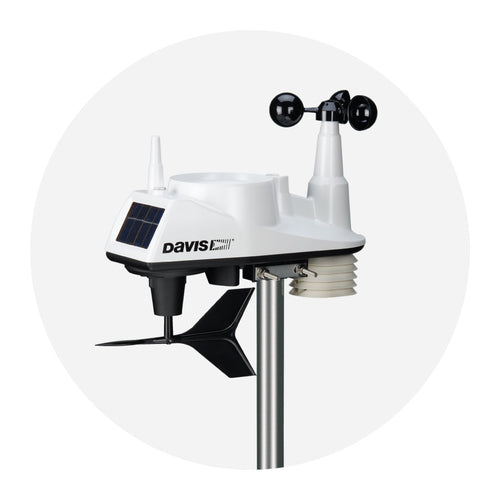
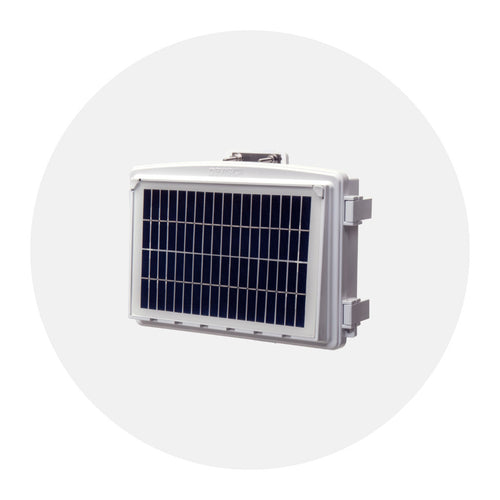
It's possible that your Vantage Connect or Gateway solar panel could be covered with snow, vegetation or dirt so make sure your solar panel is unobstructed to receive maximum sunlight. If your Vantage Connect or Gateway is in an area where the solar panel is not exposed to sunlight for the majority of the day (due to prolonged cloud cover or shadows), you should either move or turn your solar panel so that it receives adequate solar charging.
Cold Weather:
When temperatures are -4 degrees F (-20 degrees C) and below for prolonged periods of time, the battery is unable to recharge itself. Once the weather warms, charging via solar power will resume.
If you routinely experience temperatures below -4 degrees F (-20 degrees C), consider moving your Vantage Connect or Gateway indoors and supplying electrical power directly to the unit (if power is accessible) using Davis' Optional AC Charger Kit. This optional charger kit supplies power to and charges the battery using a specialized adapter, AC plug and power outlet. You can find the charger kit here.
Check for Malfunction:
If none of the above conditions apply, please check your installation to make sure all cables (i.e. solar panel cable, battery cable and primary power cable) are connected properly. Please refer to your Vantage Connect Manual or Gateway Instruction Manual for details on where to find each cable.
If possible, measure your battery's voltage with a volt meter. A well-charged battery will measure above 6 volts.
TECHNICAL SUPPORT
If all cables are connected properly and you do not see any visible problems, please call Davis Technical Support for additional help. When calling, please have your Device ID (DID) and username handy as well as any voltage measurements you have made.
An example of account information:
- Device ID: 001D0AF12C8F
- Station Name: VC 001D0AF12C8F
- Username: benstest
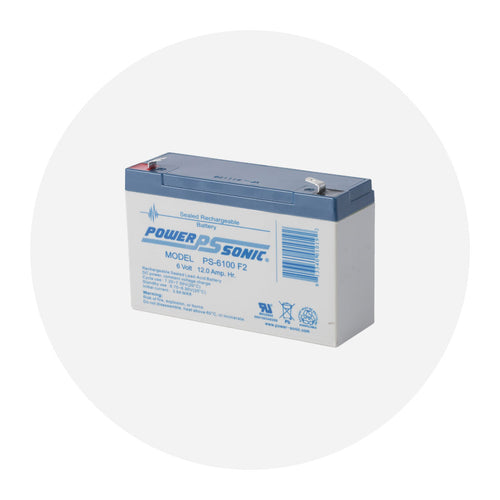
An example of battery specifications:
- Davis Part #7011.025
- 12 amp hour, 6-volt
- Charging temperature down to -4 degrees F (-20 degrees C)
If you need more help, please contact Technical Support at (510) 732-7814 or support@davisinstruments.com Monday through Friday, 7:00 a.m. to 5:30 p.m. Pacific Time.